The Best 40% Keyboard
 Researched by Johnny Alto · Published July 29, 2026
Short answer: The best 40% keyboard is the Epomaker TH40 (40 percent, QMK/VIA, hot-swap). The TH40 is the rare 40 percent that is genuinely easy to buy and live with: it ships assembled, has hot-swap sockets, gasket mounting for a softer feel, tri-mode connectivity (Bluetooth, 2.4GHz, USB-C), and full QMK and VIA support so you can remap the all-important layers yourself. The main things to weigh are alphas only, steep learning curve, programmability is essential, and availability caveat.
Top pickEpomaker TH40 (40 percent, QMK/VIA, hot-swap)View offer →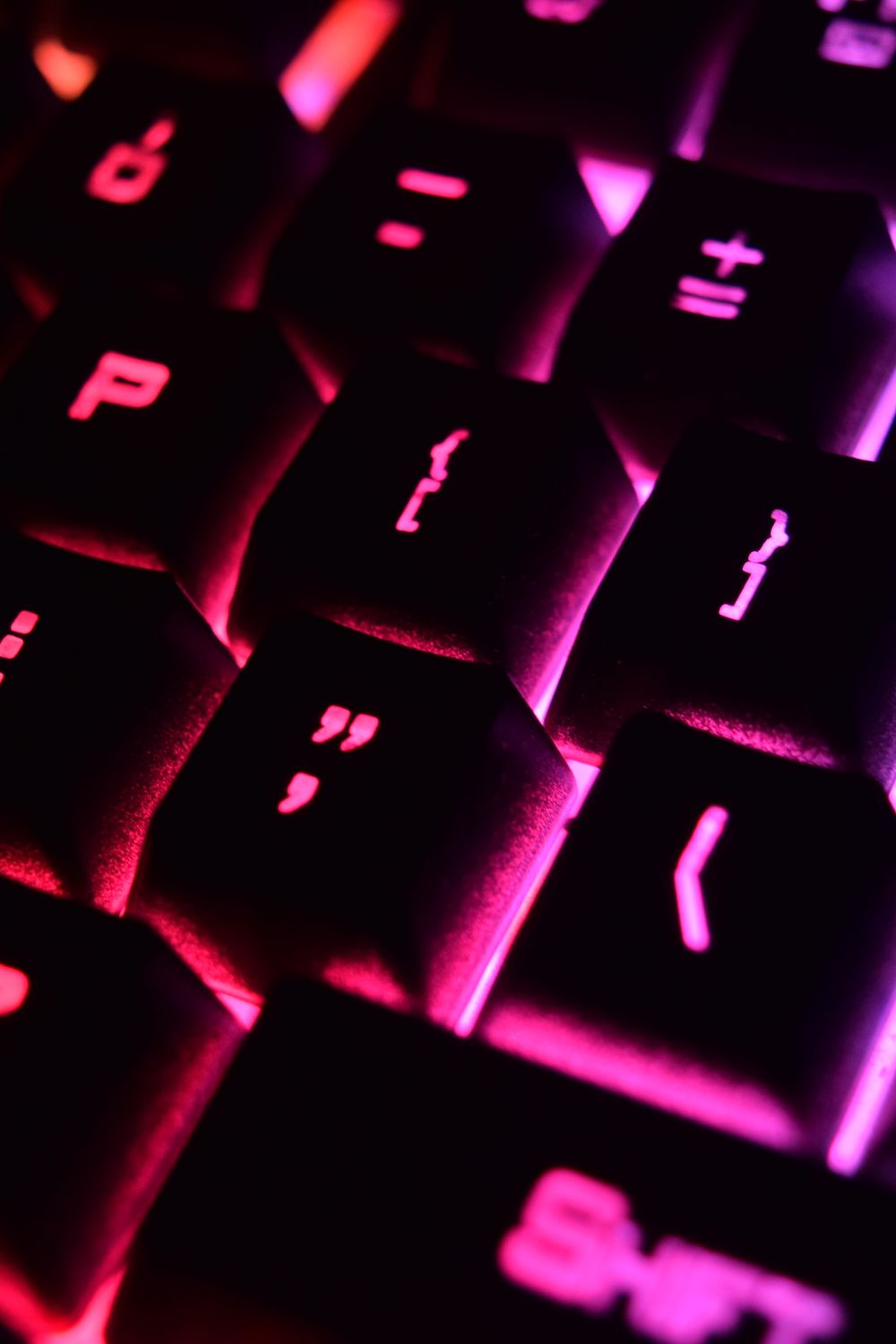
Epomaker TH40 (40 percent, QMK/VIA, hot-swap)
The TH40 is the rare 40 percent that is genuinely easy to buy and live with: it ships assembled, has hot-swap sockets, gasket mounting for a softer feel, tri-mode connectivity (Bluetooth, 2.4GHz, USB-C), and full QMK and VIA support so you can remap the all-important layers yourself. The split spacebar with a center Fn key is smart, putting layer access under your thumb, and it sits under 100 dollars, which for a VIA-programmable gasket board is strong value. The honest con is the layout itself, not the hardware: you will fumble numbers and symbols for the first couple of weeks, and if you never adapt to layer-based typing you will resent it. Epomaker's stock switches are decent but not boutique, though hot-swap lets you fix that. For a first 40 percent you can actually order today, it is the pick.
View on Amazon Editorial illustration.A 40 percent keyboard strips away the number row, function row, arrows, and navigation cluster, leaving roughly the letters plus a few modifiers, so numbers and symbols live on held-down layers. Buyers are minimalists, desk-space obsessives, and layout tinkerers who want the smallest usable board and enjoy programming their own key map. Be honest with yourself: there is a real, multi-week learning curve, and Amazon availability is thin because many of the best 40s are group buys or solder kits. Here is the easy-to-buy pick, the classic, and the DIY reality.
How do the best options for 40% keyboard compare?
| Pick | Product | Why it makes the list |
|---|---|---|
| Top pick | Epomaker TH40 (40 percent, QMK/VIA, hot-swap) | The TH40 is the rare 40 percent that is genuinely easy to buy and live with: it ships assembled, has hot-swap sockets, gasket mounting for a softer feel, tri-mode connectivity (Bluetooth, 2.4GHz, USB-C), and full QMK and VIA support so you can remap the all-important layers yourself. |
| The classic | Vortex Core (aluminum, 40 percent) | The board that defined the category, with a dense aluminum build and deep onboard layer programming. It uses non-hot-swap Cherry switches, has no VIA (its onboard firmware is fiddly), and the design is aging. |
| Wireless classic | Vortex Core V2 (wireless) | A newer wireless take on the iconic Core with the same compact aluminum appeal. It still leans on fiddly onboard programming rather than VIA, so layer setup is more painful than the TH40. |
| Kit and DIY route | Planck and enthusiast 40 percent kits | The Planck and most enthusiast ortholinear 40s are sold as kits through Drop, group buys, or vendor sites, not Amazon. Budget for a soldering iron or a hot-swap variant, and expect weeks of lead time. |
What should you look for in 40% keyboard?
A few things separate a good 40% keyboard from a frustrating one: alphas only, steep learning curve, programmability is essential, and availability caveat. Weigh these before you buy.
- Alphas only: you get letters plus a handful of modifiers, so numbers, symbols, arrows, and F-keys all live on Fn and layer holds, making layer memorization mandatory.
- Steep learning curve: plan for one to three weeks of slower typing before muscle memory forms, which is the single biggest reason people return 40s.
- Programmability is essential: prioritize QMK and VIA (TH40) so you can design layers that fit you; boards with only proprietary onboard programming are far more painful to configure.
- Availability caveat: the best 40s are frequently group buys or kits with no Amazon listing and long waits, so the TH40 and Vortex Core are among the few reliably in stock.
Living with a 40 percent
A 40 percent keyboard is the logical endpoint of the compact-keyboard trend, and whether it is brilliant or maddening depends entirely on whether you are willing to relearn how you type. The idea is radical minimalism: you keep the letter keys and a few modifiers and throw away everything else, the number row, the function row, the arrows, and the navigation cluster, so the board shrinks to something you could almost cover with two hands. Nothing you removed is actually gone, though, it just moves onto layers, meaning you hold a function key to temporarily turn the letter keys into numbers, symbols, or arrows, the way Shift temporarily turns letters into capitals. That is the whole trick, and it is also the whole difficulty. On a normal keyboard your fingers know where the 7 and the bracket and the arrow keys physically are; on a 40 percent you have to build new muscle memory for reaching them through layers, and for the first one to three weeks you will genuinely fumble numbers and symbols and type slower than you did before, which is the single most common reason people give up and return the board. Those who push through usually love it, because once the layers become automatic the board is astonishingly efficient, everything is a tiny motion from the home row and nothing requires reaching, and the small footprint frees the desk. Two practical points make the experience far better. First, programmability is not optional here, because the layers are the keyboard, so you want QMK and VIA so you can design a layout that puts numbers and symbols where your fingers expect them rather than accepting a stranger's defaults. Second, availability is a real hurdle, since much of the best 40 percent hardware lives in the enthusiast kit-and-group-buy world with soldering and long waits, so if you want to try the layout without a project, an assembled hot-swap board like the TH40 is the sane entry point.
What are the best alternatives?
Vortex Core (aluminum, 40 percent)
The board that defined the category, with a dense aluminum build and deep onboard layer programming. It uses non-hot-swap Cherry switches, has no VIA (its onboard firmware is fiddly), and the design is aging.
View on AmazonVortex Core V2 (wireless)
A newer wireless take on the iconic Core with the same compact aluminum appeal. It still leans on fiddly onboard programming rather than VIA, so layer setup is more painful than the TH40.
View on AmazonPlanck and enthusiast 40 percent kits
The Planck and most enthusiast ortholinear 40s are sold as kits through Drop, group buys, or vendor sites, not Amazon. Budget for a soldering iron or a hot-swap variant, and expect weeks of lead time.
Bottom line: the Epomaker TH40 is the easy-to-buy, VIA-programmable 40 percent, the Vortex Core is the classic, and the best enthusiast 40s are kits off Amazon. Go in ready for a real learning curve. Compare it with our one-handed keypad guide and our small-hands gaming guide.
Frequently asked questions
What is the best 40% keyboard?
Epomaker TH40 (40 percent, QMK/VIA, hot-swap). The TH40 is the rare 40 percent that is genuinely easy to buy and live with: it ships assembled, has hot-swap sockets, gasket mounting for a softer feel, tri-mode connectivity (Bluetooth, 2.4GHz, USB-C), and full QMK and VIA support so you can remap the all-important layers yourself.
What should you look for in 40% keyboard?
Focus on alphas only, steep learning curve, programmability is essential, and availability caveat.
What is a good alternative to the Epomaker TH40 (40 percent, QMK/VIA, hot-swap)?
The Vortex Core (aluminum, 40 percent). The board that defined the category, with a dense aluminum build and deep onboard layer programming. It uses non-hot-swap Cherry switches, has no VIA (its onboard firmware is fiddly), and the design is aging.
Related buying guides
- Airbrush for Miniature Painting
- SD Card for the Anbernic RG35XX
- Foam Inserts for Wingspan
- Wet Palette for Miniature Painting
- Lube for Linear Switches
This is a research-based buying guide, not a personal hands-on review. Product details, prices, and availability can change; confirm the current listing on Amazon. As an Amazon Associate I earn from qualifying purchases. Amazon and the Amazon logo are trademarks of Amazon.com, Inc. or its affiliates.
← More Tech & Creator Gear · All guides · How we research · About · Affiliate Disclosure · Privacy Policy · Contact