The Best Gaming Keyboard for Small Hands
 Researched by Johnny Alto · Published July 29, 2026
Short answer: The best gaming keyboard for small hands is the Ducky One 3 Mini (60 percent). The One 3 Mini is the compact board enthusiasts point newcomers to: an excellent build with a rigid case, thick doubleshot PBT keycaps, sound-dampening foam, and hot-swap sockets so you can change switches without soldering. The main things to weigh are compact reduces reach, not key size, low-profile helps, key spacing is standard, and lighter switches help.
Top pickDucky One 3 Mini (60 percent)View offer →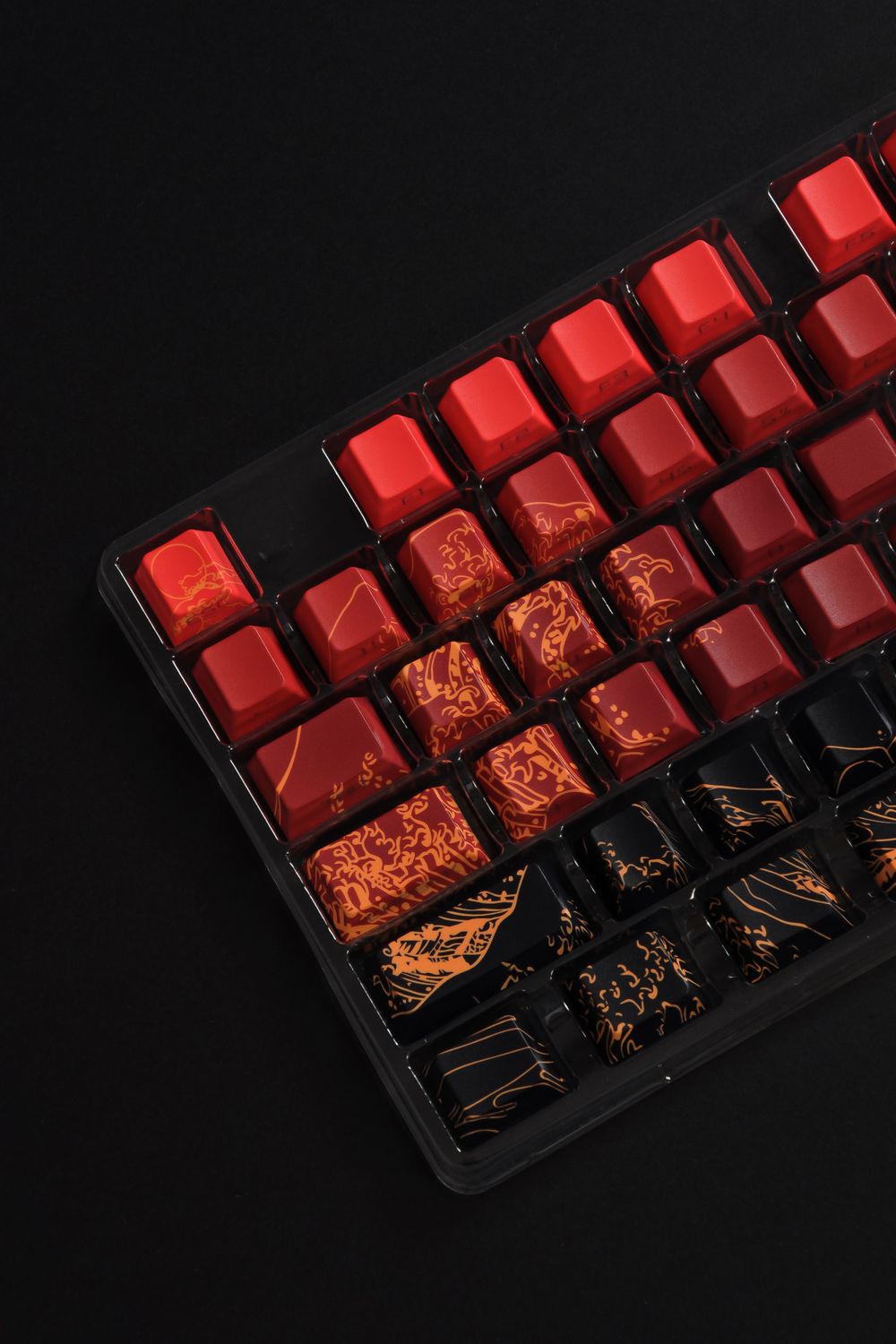
Ducky One 3 Mini (60 percent)
The One 3 Mini is the compact board enthusiasts point newcomers to: an excellent build with a rigid case, thick doubleshot PBT keycaps, sound-dampening foam, and hot-swap sockets so you can change switches without soldering. At 60 percent it removes the numpad, arrows, function row, and nav cluster, pulling everything a small hand needs into a tight footprint and freeing mouse space, and the Cherry MX Red switches are smooth linears well suited to gaming. The real con of any 60 percent is that arrows, function keys, and Delete become Fn-layer holds, which frustrates players who use arrows constantly, so if that is you, jump to a 65 percent. A secondary nitpick: Ducky relies on onboard programming rather than slick software, which has a small learning curve. For a compact, high-quality gaming board, it is the pick.
View on Amazon Editorial illustration.The honest truth first: key spacing on almost every mechanical keyboard is the same 19mm standard, so a keyboard is not physically smaller per key for small hands. What actually helps is a smaller board, since a 60 or 65 percent cuts off the numpad and often the arrow and nav clusters, so your hand travels less to reach every key and your mouse sits closer. This guide is for smaller-handed gamers, and anyone with a tight desk, who want to reduce reach and shoulder strain, not shrink the keys. Here is the compact pick, a 65 percent and low-profile options, and what really changes.
How do the best options for gaming keyboard for small hands compare?
| Pick | Product | Why it makes the list |
|---|---|---|
| Top pick | Ducky One 3 Mini (60 percent) | The One 3 Mini is the compact board enthusiasts point newcomers to: an excellent build with a rigid case, thick doubleshot PBT keycaps, sound-dampening foam, and hot-swap sockets so you can change switches without soldering. |
| Keeps arrow keys | Keychron K6 (65 percent, hot-swap) | Keeps dedicated arrow keys and a small nav column while staying compact, plus Bluetooth to three devices and Mac and Windows support. The case is taller and slightly hollow-sounding stock and heavier than a bare 60 percent. |
| Budget entry | Royal Kludge RK61 (60 percent, wireless) | Tremendous value with wireless and hot-swap under budget. The stabilizers and keycaps are cheaper and quality control is more inconsistent than the Ducky. |
| Lowest reach, low-profile | NuPhy Air60 V2 (60 percent, low-profile) | Low-profile switches and a thin chassis lower the wrist angle and shorten finger travel, which many small-handed and RSI-prone users prefer. Low-profile keycaps have limited aftermarket support and a flatter feel some dislike. |
What should you look for in gaming keyboard for small hands?
A few things separate a good gaming keyboard for small hands from a frustrating one: compact reduces reach, not key size, low-profile helps, key spacing is standard, and lighter switches help. Weigh these before you buy.
- Compact reduces reach, not key size: the win is a smaller board and a closer mouse; a 65 percent (Keychron K6) keeps arrows, while a 60 percent (Ducky, RK61) is smallest but layers the arrows.
- Low-profile helps: shorter switches and a thinner case (NuPhy Air60) lower the wrist angle and cut finger travel, often the biggest comfort gain for small hands.
- Key spacing is standard: do not expect narrower keys, since 19mm pitch is near-universal, so anyone promising small-hand keys is usually just selling a smaller layout.
- Lighter switches help: lighter linear switches (Reds) take less finger force, and hot-swap boards let you tune this later without soldering.
What actually helps small hands
There is a common misunderstanding baked into the phrase small-hands keyboard, and clearing it up is the key to shopping well: almost every mechanical keyboard uses the same key spacing, a 19mm pitch between key centers, because keycaps and layouts are standardized around it, so there is essentially no such thing as a keyboard with smaller keys or narrower spacing for small hands, and any product promising that is usually just selling a smaller layout. What genuinely helps someone with smaller hands is not shrinking the keys but shrinking the board, and reducing how far the hand has to travel and stretch. A full-size keyboard is wide, with a numpad on the right that pushes the mouse far out and a lot of horizontal distance to cover, and for a smaller hand that means more reaching and more shoulder rotation over a long session. Dropping to a compact layout fixes that: a 60 percent removes the numpad, function row, arrows, and navigation cluster and packs the letters and modifiers into a small block, so everything is close and the mouse sits right next to your typing hand, while a 65 percent does the same but keeps a dedicated arrow cluster, which is the better pick if you use arrows a lot and do not want them buried on a layer. A second real lever is going low-profile, because shorter switches and a thinner case lower the angle your wrist has to bend and slightly shorten how far your fingers travel down, which many smaller-handed and strain-prone users find is the single biggest comfort gain. And switch weight matters at the margins, since lighter linear switches take less force to press, which is easier on smaller or less powerful hands, and a hot-swap board lets you experiment with that without soldering. So the honest buying advice is to choose by layout and height, a compact 60 or 65 percent, ideally low-profile, with light switches, rather than hunting for keys that are physically smaller, because those do not really exist.
What are the best alternatives?
Keychron K6 (65 percent, hot-swap)
Keeps dedicated arrow keys and a small nav column while staying compact, plus Bluetooth to three devices and Mac and Windows support. The case is taller and slightly hollow-sounding stock and heavier than a bare 60 percent.
View on AmazonRoyal Kludge RK61 (60 percent, wireless)
Tremendous value with wireless and hot-swap under budget. The stabilizers and keycaps are cheaper and quality control is more inconsistent than the Ducky.
View on AmazonNuPhy Air60 V2 (60 percent, low-profile)
Low-profile switches and a thin chassis lower the wrist angle and shorten finger travel, which many small-handed and RSI-prone users prefer. Low-profile keycaps have limited aftermarket support and a flatter feel some dislike.
View on AmazonBottom line: the Ducky One 3 Mini is the compact, well-built pick, the Keychron K6 keeps your arrows, and the NuPhy Air60 V2 cuts reach further with low-profile. Remember it is the board size and reach that change, not the key size. Compare it with our travel keyboard guide and our low-profile keyboard guide.
Frequently asked questions
What is the best gaming keyboard for small hands?
Ducky One 3 Mini (60 percent). The One 3 Mini is the compact board enthusiasts point newcomers to: an excellent build with a rigid case, thick doubleshot PBT keycaps, sound-dampening foam, and hot-swap sockets so you can change switches without soldering.
What should you look for in gaming keyboard for small hands?
Focus on compact reduces reach, not key size, low-profile helps, key spacing is standard, and lighter switches help.
What is a good alternative to the Ducky One 3 Mini (60 percent)?
The Keychron K6 (65 percent, hot-swap). Keeps dedicated arrow keys and a small nav column while staying compact, plus Bluetooth to three devices and Mac and Windows support. The case is taller and slightly hollow-sounding stock and heavier than a bare 60 percent.
Related buying guides
- Airbrush for Miniature Painting
- SD Card for the Anbernic RG35XX
- Foam Inserts for Wingspan
- Wet Palette for Miniature Painting
- Lube for Linear Switches
This is a research-based buying guide, not a personal hands-on review. Product details, prices, and availability can change; confirm the current listing on Amazon. As an Amazon Associate I earn from qualifying purchases. Amazon and the Amazon logo are trademarks of Amazon.com, Inc. or its affiliates.
← More Tech & Creator Gear · All guides · How we research · About · Affiliate Disclosure · Privacy Policy · Contact