The Best KVM Switch
 Researched by Johnny Alto · Published July 29, 2026
Short answer: The best KVM switch is the UGREEN HDMI KVM Switch (2 Computers, 4K@60Hz, 4x USB 3.0). For the common job of running two computers into one 4K monitor with a shared keyboard, mouse, and a couple of USB peripherals, this UGREEN hits the sweet spot on price, build, and features. The main things to weigh are ports, hdmi version / resolution, usb passthrough, and switching and edid.
Top pickUGREEN HDMI KVM Switch (2 Computers, 4K@60Hz, 4x USB 3.0)View offer →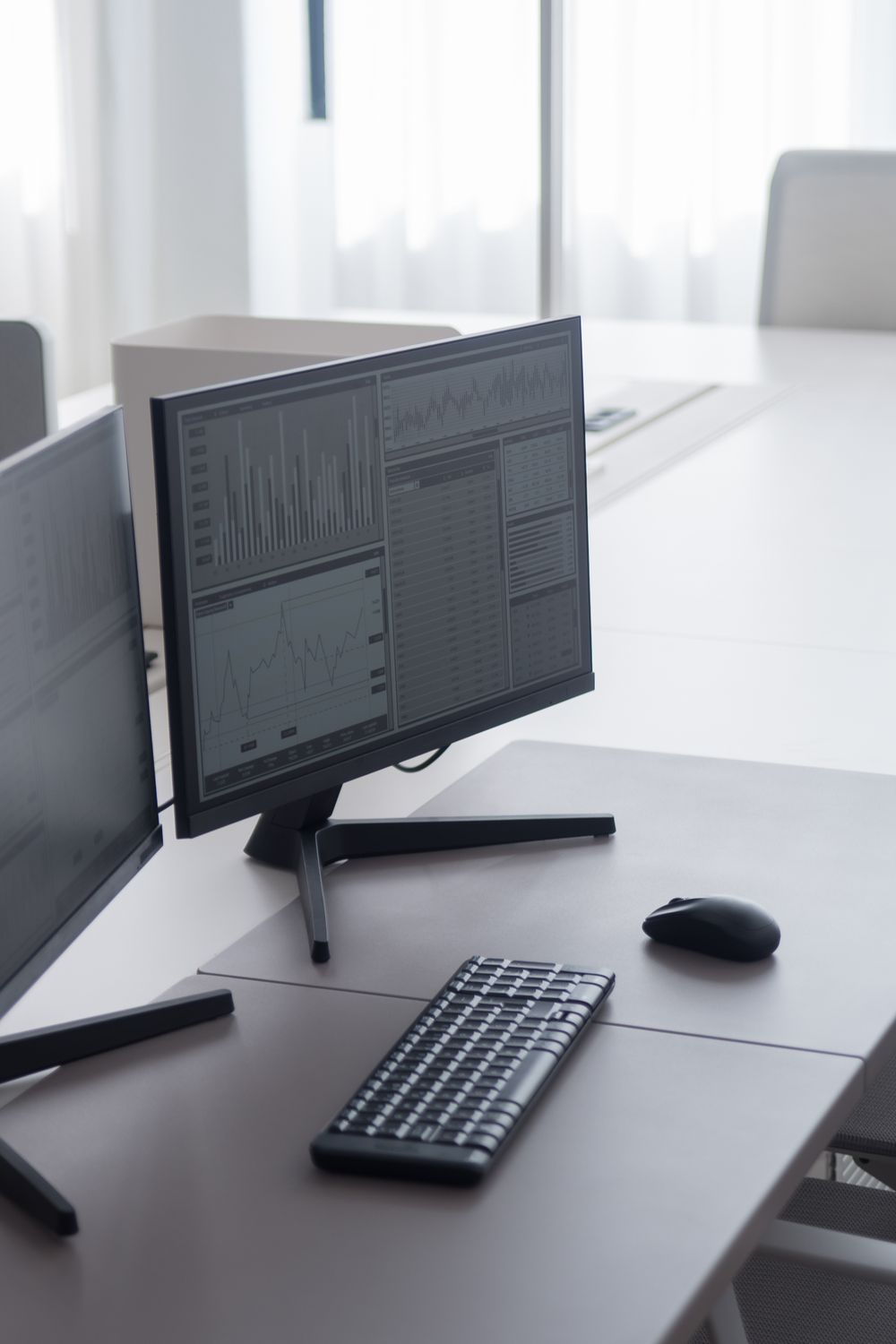
UGREEN HDMI KVM Switch (2 Computers, 4K@60Hz, 4x USB 3.0)
For the common job of running two computers into one 4K monitor with a shared keyboard, mouse, and a couple of USB peripherals, this UGREEN hits the sweet spot on price, build, and features. It genuinely does 4K at 60Hz over HDMI 2.0 (with HDCP 2.2 and HDR), and unlike many budget switches it gives you USB 3.0 rather than 2.0, so an external SSD or webcam runs at full speed when shared. The included wired desktop remote is the highlight, since reaching behind the unit to tap a button gets old fast. The honest limitation: UGREEN's HDMI KVMs generally lack true per-port EDID emulation, so switching away from a machine can make it see the monitor disconnect and reshuffle your windows or drop resolution. If that would break your workflow, the TESmart below is the better buy.
View on Amazon Editorial illustration.The real problem is desk clutter and constant re-plugging: someone with a work laptop plus a personal or gaming desktop wants one nice 4K monitor, one keyboard, and one mouse, and wants to flip between machines without crawling under the desk. This is for the dual-PC desk and small-homelab crowd, not enterprise racks. The decision comes down to how many computers you share, whether you need true 4K at 60Hz, and how much you care about windows staying put on a switch. Here is the pick, a window-stable option, and the specs that actually matter.
How do the best options for KVM switch compare?
| Pick | Product | Why it makes the list |
|---|---|---|
| Top pick | UGREEN HDMI KVM Switch (2 Computers, 4K@60Hz, 4x USB 3.0) | For the common job of running two computers into one 4K monitor with a shared keyboard, mouse, and a couple of USB peripherals, this UGREEN hits the sweet spot on price, build, and features. |
| Best for window / EDID stability | TESmart HDMI KVM Switch (2 Computers, 4K@60Hz, EDID Emulation) | Real EDID emulation keeps each PC believing the display is always connected, so windows do not rearrange on a switch, and it supports hotkey, button, and remote switching. Its USB hub is only USB 2.0, so it is slower for shared drives or high-bandwidth webcams. |
| Best for 3 to 4 computers | UGREEN HDMI KVM Switch (4 Computers, 4x USB 3.0) | Four HDMI inputs with USB 3.0 sharing and a desktop controller. It is larger, pricier, and adds more cable clutter than you need for just two machines. |
| Trusted brand (check the port type) | IOGEAR 2-Port KVM Switch, 4K@60Hz | IOGEAR has a long reputation for simple, reliable switches with hotkey and remote. This 4K60 model is DisplayPort, not HDMI (IOGEAR's 2-port HDMI switches top out at 1080p), so it only fits DisplayPort setups. |
What should you look for in KVM switch?
A few things separate a good KVM switch from a frustrating one: ports, hdmi version / resolution, usb passthrough, and switching and edid. Weigh these before you buy.
- Ports: a 2-port suits a laptop plus a desktop (UGREEN, TESmart); go 4-port only if feeding three or more machines, since extra ports just add cost and cable mess.
- HDMI version / resolution: 4K at 60Hz needs HDMI 2.0 (18 Gbps); these do 4K60 and often 1440p/120Hz, but an HDMI 2.0 switch cannot do 4K at 120/144Hz, which requires a pricier HDMI 2.1 KVM. Use cables rated for the bandwidth.
- USB passthrough: favor USB 3.0 if sharing an SSD, dock, or high-res webcam; USB 2.0 is fine for just keyboard and mouse.
- Switching and EDID: all support button or hotkey switching, and the best include a wired desktop remote; EDID is the real differentiator, since per-port emulation (TESmart) prevents window reshuffles that many HDMI KVMs cause.
Why EDID emulation matters
The spec that separates a good KVM experience from an annoying one is not the resolution number, it is EDID emulation, and most buyers have never heard of it. EDID is the little handshake a monitor sends a computer to say what resolutions and refresh rates it supports. On a KVM without per-port EDID emulation, only the currently-selected computer sees the monitor; the moment you switch away, the other machine thinks its display was unplugged, so it drops that display, and Windows helpfully crams all your open windows onto the remaining screen. Switch back and everything has been rearranged. A KVM with true per-port EDID emulation feeds each computer a constant, fake monitor handshake even when it is not the active one, so every machine believes the display is always connected and nothing reshuffles. If you only ever have a couple of windows open it may not bother you, but if you run a full multi-window workspace on each computer, pay for EDID emulation. Separately, remember that HDMI 2.0 tops out at 4K60: if you want 4K at 120Hz or 144Hz for gaming, you need an HDMI 2.1 switch and cables rated for 48 Gbps, not the 18 Gbps HDMI 2.0 units.
What are the best alternatives?
TESmart HDMI KVM Switch (2 Computers, 4K@60Hz, EDID Emulation)
Real EDID emulation keeps each PC believing the display is always connected, so windows do not rearrange on a switch, and it supports hotkey, button, and remote switching. Its USB hub is only USB 2.0, so it is slower for shared drives or high-bandwidth webcams.
View on AmazonUGREEN HDMI KVM Switch (4 Computers, 4x USB 3.0)
Four HDMI inputs with USB 3.0 sharing and a desktop controller. It is larger, pricier, and adds more cable clutter than you need for just two machines.
View on AmazonIOGEAR 2-Port KVM Switch, 4K@60Hz
IOGEAR has a long reputation for simple, reliable switches with hotkey and remote. This 4K60 model is DisplayPort, not HDMI (IOGEAR's 2-port HDMI switches top out at 1080p), so it only fits DisplayPort setups.
View on AmazonBottom line: the UGREEN 2-port 4K60 is the value pick with USB 3.0 and a remote; step to TESmart for EDID emulation that keeps your windows put, or the 4-port UGREEN for three-plus machines. Match the HDMI version to your refresh rate. Pair it with our laptop-sleeve and desk-coffee guides.
Frequently asked questions
What is the best KVM switch?
UGREEN HDMI KVM Switch (2 Computers, 4K@60Hz, 4x USB 3.0). For the common job of running two computers into one 4K monitor with a shared keyboard, mouse, and a couple of USB peripherals, this UGREEN hits the sweet spot on price, build, and features.
What should you look for in KVM switch?
Focus on ports, hdmi version / resolution, usb passthrough, and switching and edid.
What is a good alternative to the UGREEN HDMI KVM Switch (2 Computers, 4K@60Hz, 4x USB 3.0)?
The TESmart HDMI KVM Switch (2 Computers, 4K@60Hz, EDID Emulation). Real EDID emulation keeps each PC believing the display is always connected, so windows do not rearrange on a switch, and it supports hotkey, button, and remote switching. Its USB hub is only USB 2.0, so it is slower for shared drives or high-bandwidth webcams.
Related buying guides
- Air Purifier for Allergies
- Air Purifier for Pets
- Air Purifier for Mold
- Air Purifier for a Bedroom
- Air Purifier for Smoke
This is a research-based buying guide, not a personal hands-on review. Product details, prices, and availability can change; confirm the current listing on Amazon. As an Amazon Associate I earn from qualifying purchases. Amazon and the Amazon logo are trademarks of Amazon.com, Inc. or its affiliates.
← More Guides: G–L · All guides · How we research · About · Affiliate Disclosure · Privacy Policy · Contact